

By default
Designing a few days of digital detox

I’m generally convinced that the phone is, by default, an integral part of our lives. In two ways.
First, we check or use it as the first thing when we take our attention away from work, study, or even writing a newsletter. We literally default to it.
Second, it’s a default element of daily life - so obvious, like house keys or a wallet.
There’s nothing inherently wrong with this. It’s just a fact, but one I think is worth reflecting on.
Summer, vacations, and holidays are probably the right time to do that.
Through what some call a “digital detox” - a period where you limit this default, distance yourself from your phone, understand this constant interactive relationship, and maybe give it a new shape.
I actually did this 2 years ago, and wrote about it.
(Fun fact: the name “Artifacts” actually came to me during those detox days.)
So, today in Artifacts, a few tips and techniques for building your own digital detox. Which, really, is just how I imagined mine!
The core idea is that of “Digital Minimalism” proposed by Cal Newport: A philosophy of technology use where we focus our online time on a small number of truly important activities, and are happy to miss out on everything else.
A few ground rules for how I thought about the Artifacts digital detox: 
No total phone ban. It would be too easy to just leave it at home, but that would simulate an unrepeatable condition - so not very useful or replicable. The phone stays in your pocket or next to you, but you use it more consciously.
Not just a social media detox. Sure, without social media the phone is basically a brick, but the idea is also to change how you use it and your habits - like using it as soon as you wake up or checking it at a stoplight (yes, I’m back in Rome).
These are very general suggestions - everyone can adapt them as they like.
The goals I see, and that I personally set for myself:
Better understand my use of and relationship with my phone.
Eliminate or minimize external inputs - especially those physically distant from me (in other words, notifications).
Develop a proactive approach to phone use, not a reactive one. I want to be the one who decides when to use it, not just react to it.
Build new defaults, new habits. It’s not enough to just create empty spaces where you don’t use your phone - you have to figure out how to use that time. Even if it’s just doing nothing, but doing it consciously.
With the ground rules and goals clear, let’s get concrete: how do you actually do this digital detox?
Before you start
Step 1 – Initial assessment: Which part of your screen time feels toxic? For me, it’s the habit of opening Twitter or LinkedIn almost unconsciously and constantly checking notifications.
Step 2 – Define your goal: Ask yourself what the purpose of your detox is - and also of your vacation. To relax? To have new experiences? To spend time together? To escape routine? In other words, what do you really want to do with your time? Write down your goal, take a photo, and set it as your lock screen image so you’re reminded every time you instinctively pick up your phone.
Step 3 – Have a plan: Create a realistic plan to minimize the negative behaviors you identified.
10 + 1 Tips, Tricks, and Ideas 
Each time you’re tempted to reach for your phone, ask: “What else could I do instead?”.
Prepare alternatives - books, aimless walks, a Rubik’s cube, anything else you can turn your attention to.
Embrace solitude — reduce the inputs coming at you, and as Cal Newport puts it, be happy about what you’re “missing out” on.
Get over yourself - don’t take yourself too seriously. Most of the time, it’s unlikely that someone needs to reach you for something truly urgent or essential.
Create no-phone zones: For example, no phone at the table, before bed, or right after waking up. Keep it physically distant.
Rethink your habits: If you’re traveling, ask locals where to eat or download offline maps so you can keep your phone in airplane mode. The goal is to limit how often you pick up your phone.
Make it a game: If you’re with friends or a partner, get them involved and set up fun penalties - like buying ice cream for the group if someone fails. If you can’t stick to the detox, at least you eat well.
Schedule screen time: If we usually schedule work or study and then fill the gaps with our phones, try saying, “10 minutes to check my phone at lunch, and another 10 at dinner.”
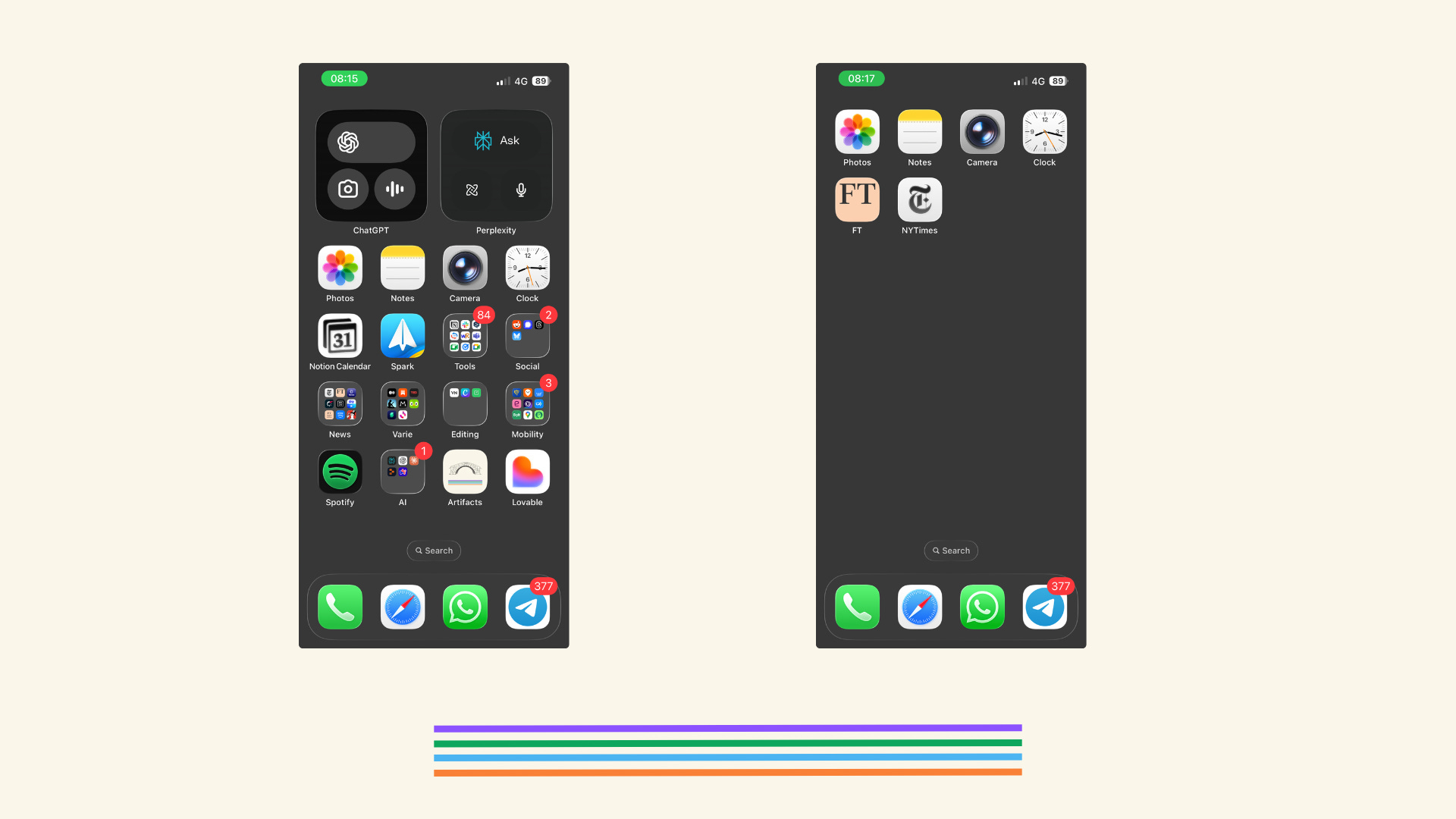
Reorganize your apps: Only keep the essential ones on your home screen so you’re not tempted by the others.
Let the sunset be a sunset. It’ll still happen even if you don’t photograph it. Not every beautiful thing needs to be documented to be real.
Only Human Intelligence. This one’s personal: I’m aiming to go AI-free for a bit. I’ve realized how deeply I rely on it - and I want to see what life feels like with just my own brain for company, like it’s 2019 again.
And then what?
I think it’s helpful to keep track of your feelings and thoughts during these days away from your phone’s default routines. Of course, it’s best to jot them down on paper.
And at the end, maybe write down what you’ve realized, what you’ve learned, and - if there’s anything - what you’d like to improve after your digital detox.
Because yes, the phone is the default, it’s essential, and it’s incredibly useful. But maybe we all have a little something we could tweak.
Save for Later
iPhone on vacation mode, other tips!
Verifying age online is not that easy, and people go around obligations with VPNs. Maybe we’re just not ready for it.
Computers are still dumb, eventually. But Anthropic has built multi-agent infrastructures.
AI needs to be fun, according to Meta. And can teach us things too.
European start-ups have a storytelling issue
You’re getting old faster than what you think, my friend.
How to vibecode like a pro.
The Bookshelf
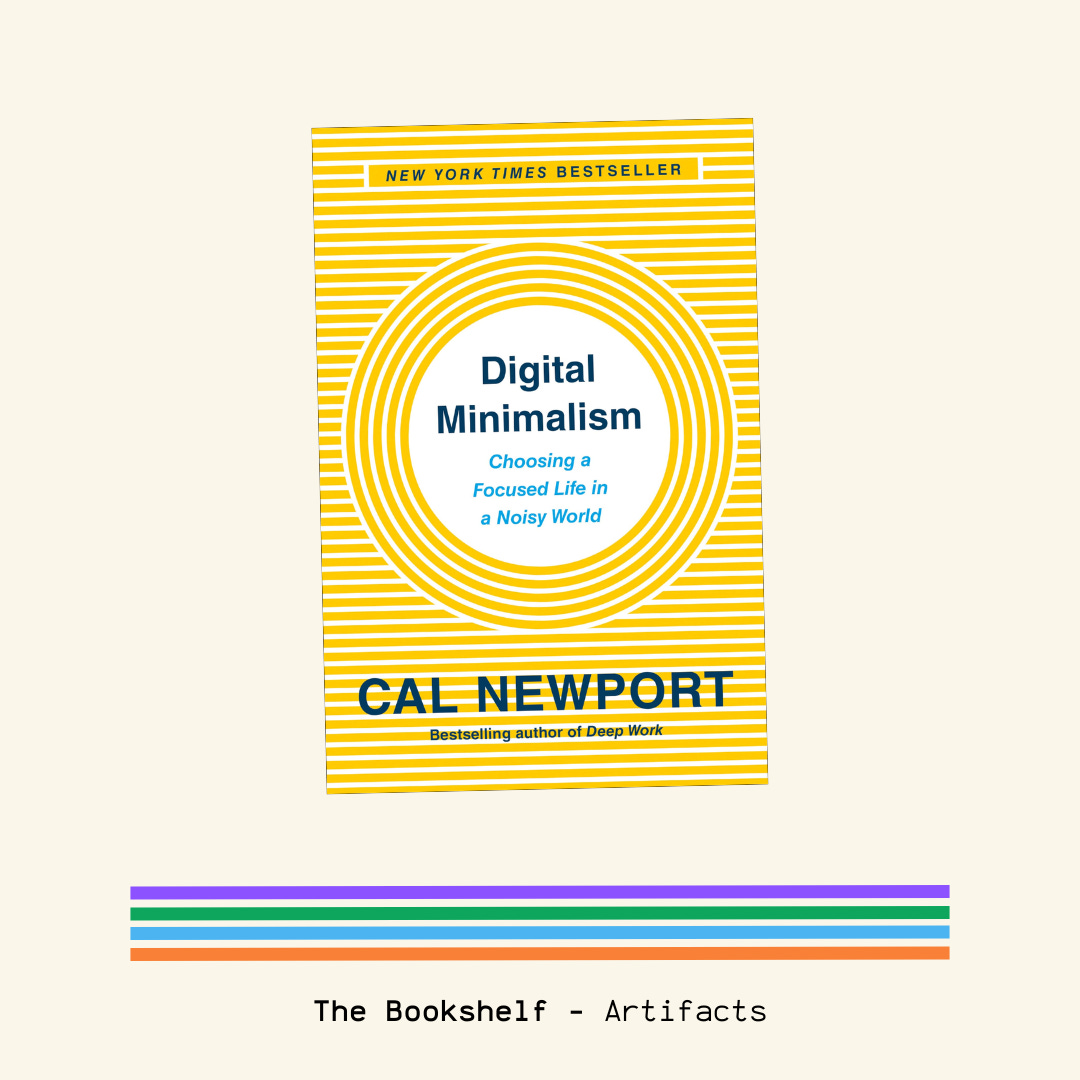
This guy knows a lot more than I do about designing a digital minimalism lifestyle. He can be radical sometimes, but it’s a good book to think through our habits!
📚 All the books I’ve read and recommended in Artifacts are here.
Nerding
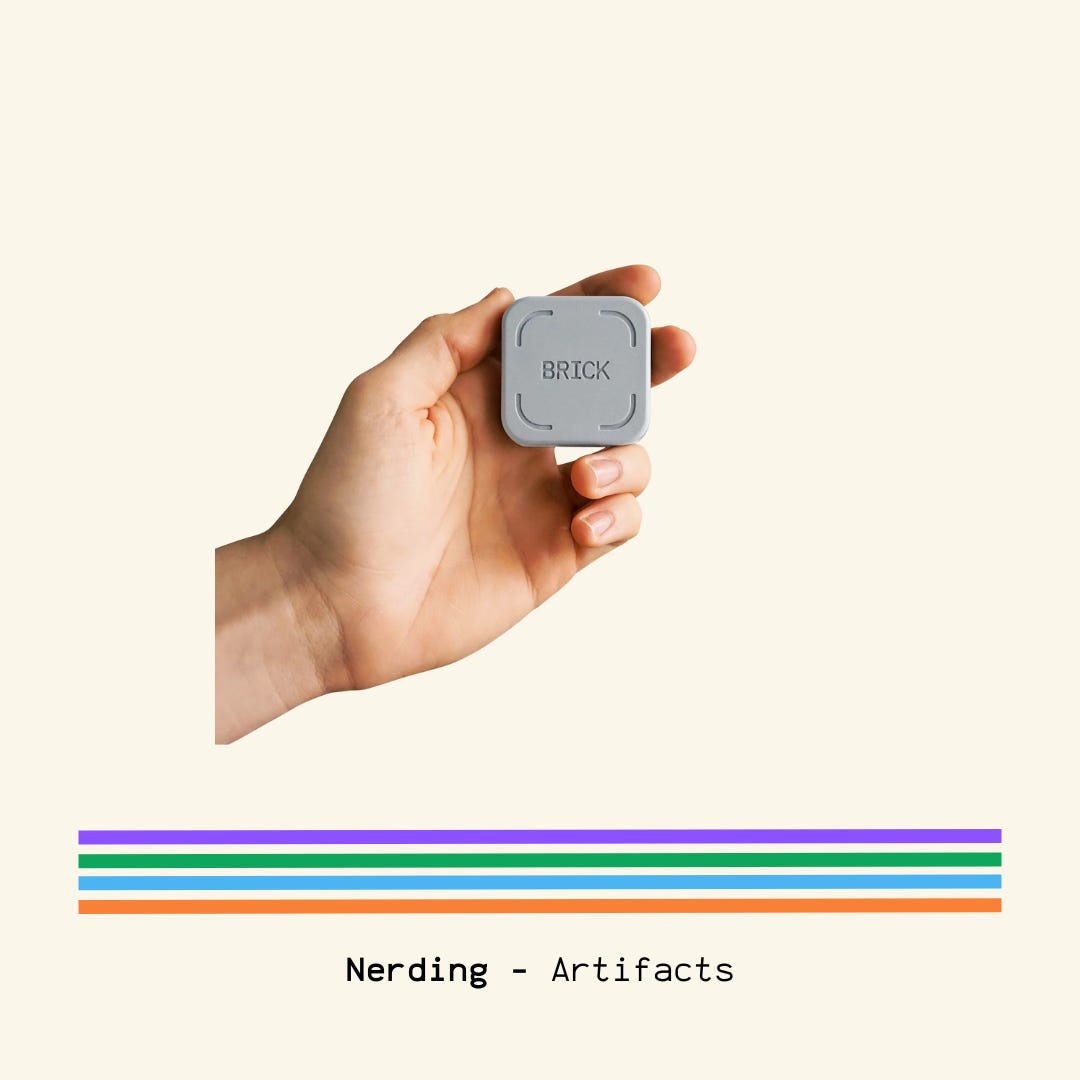
First time I feature a physical tool! The Brick is a device that temporarily removes distracting apps & their notifications from your phone. A bit costly, but interesting to explore :)
☕?
If you want to know more about Artifacts, where it all started, or just want to connect...